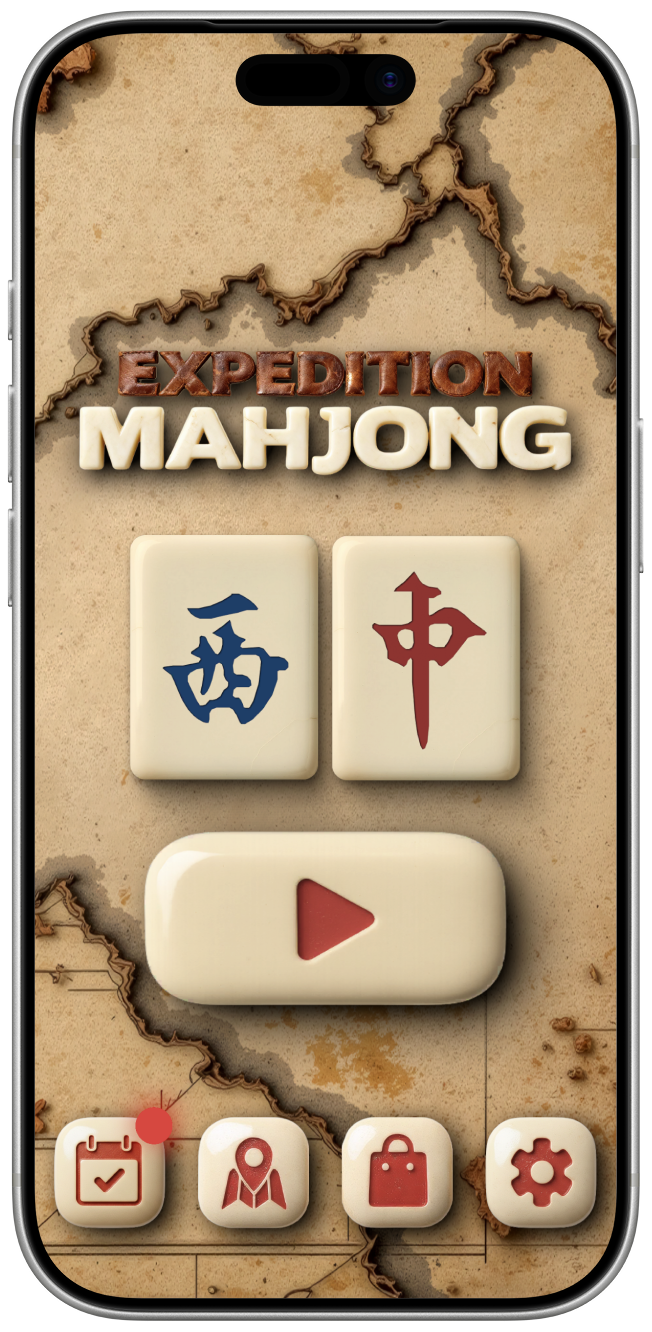
Classics re-imagined with a modern visual style. No clutter, only things that you really need to relax. Completely free.
- 8 unique high-quality themes
- 200 hand-crafted levels
- Daily rewards
- Easy navigation
- Smooth difficulty curve
- All content is unlockable without paying


Your feedback helps us to improve the game. Our goal is to create the best Mahjong solitaire for you, your kids, and your parents.
Roadmap
We have an ambitious goal to create the best Solitaire mahjong experience for you. We have an idea of how to bring it to life.
Below are the three milestones that will improve the game as we complete them. It is a long journey, but together we can do it. We ask you to play and share it.
100K
Reveal
Game modes: Timer, Infinite, Memory mode
Profiles & Friends
Online Leaderboard
Tasks
Achievements
250K
Reveal
Game modes: 1v1
Child control settings
New Visual settings
Optimization
500K
Reveal
Tablet settings
Level preview
New localizations
New levels
Thank you, adventurer!
FAQ
How to Cancel Your Subscription
To cancel your subscription, please follow these steps:
- Open the Settings menu from the main game screen.
- Tap on Manage Subscription.
- You will be redirected to your device’s subscription management page (App Store or Google Play).
- Select our app from the list and tap Cancel Subscription.
Important Notes:
- Access: You will keep your premium benefits until the end of the current billing cycle.
- Automatic Billing: To avoid being charged for the next period, please cancel at least 24 hours before your renewal date.
- Deletion: Deleting the app from your device does not automatically cancel your subscription.
My purchase disappeared after reinstalling
If you’ve reinstalled the game or switched to a new device and don’t see your active subscription or one-time purchases, don’t worry! You can easily restore them without being charged again.
- Open the Shop from the main menu.
- Scroll to the very bottom of the page.
- Tap the Restore Purchase button.
- If prompted, enter your Apple ID or Google Play password.
Important Notes:
- Same Account: You must be logged into the same App Store/Google Play account that was used to make the original purchase.
- Consumables: Please note that “consumable” items (like coins, gems, or one-time boosters) cannot be restored once they have been used.
- Connection: Ensure you have a stable internet connection before tapping the restore button.
I found a bug and I want to report it
If you’ve encountered a technical issue or something isn’t working as expected, please let us know! To report a bug, follow these steps:
Compose an email to support@vortexlab.io.
Start your Subject Line with the prefix “Bug:” (for example: Bug: Button not clicking on Roadmap page).
Include details such as what device you are using and a quick description of how the bug occurred.
Our team will investigate the report and get back to you as soon as possible.
Support
Contact us via e-mail address support@vortexlab.io
- Home
- Terms and Conditions
- Privacy Policy
- Copyright © 2025 Vortex Lab s.r.o.